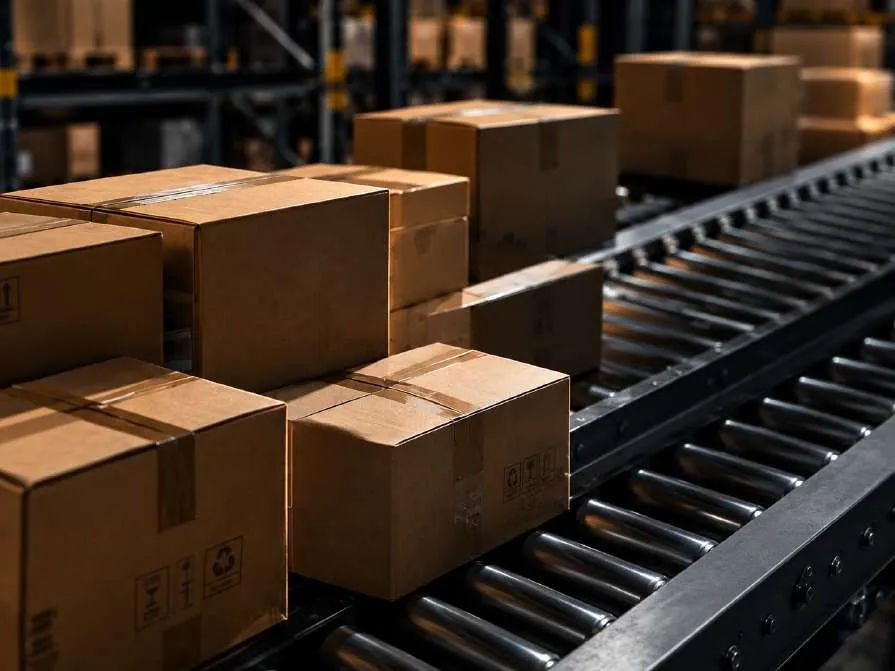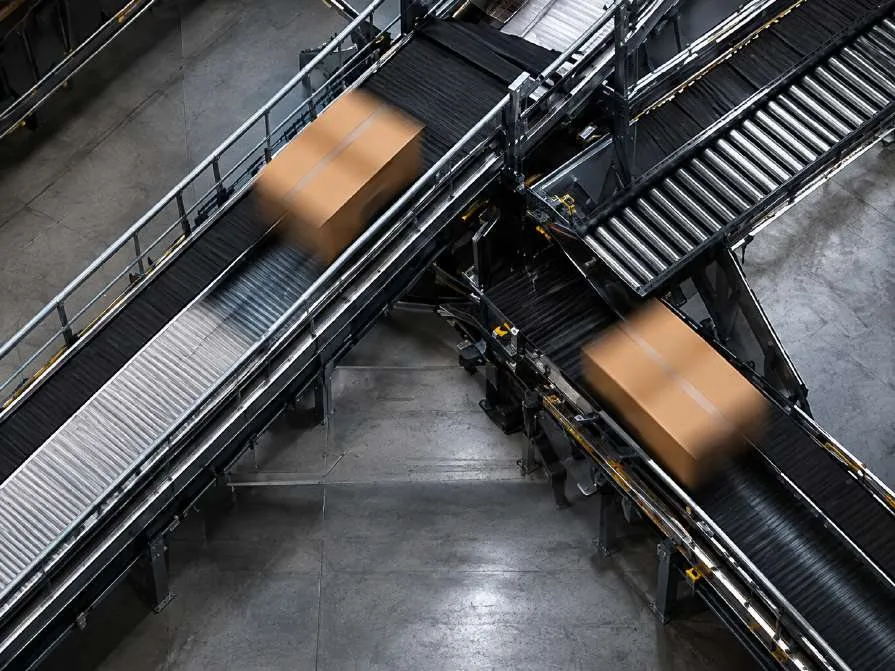
Follow a single order through the building.
From the moment it leaves your ERP to the moment it leaves your dock, the order never changes hands between systems. Scroll to follow it.
- 01 · Order received
The order lands from your business system.
An order arrives from the ERP or web shop. Kulmen checks stock, reserves it by FEFO, FIFO or your own rule, and adds it to the next wave.
- 02 · Machine retrieves
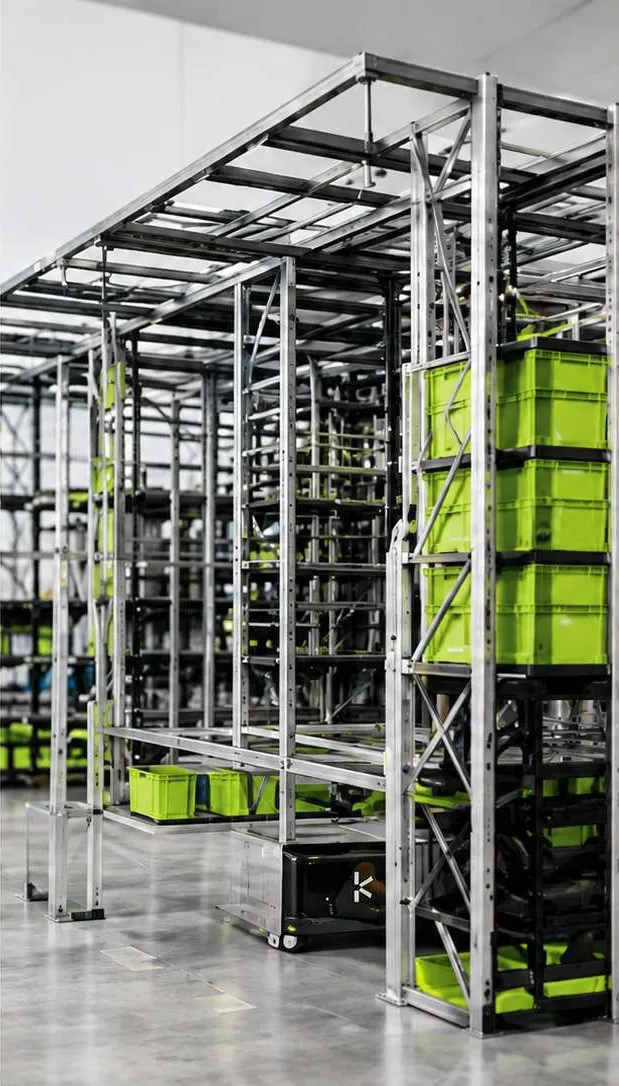
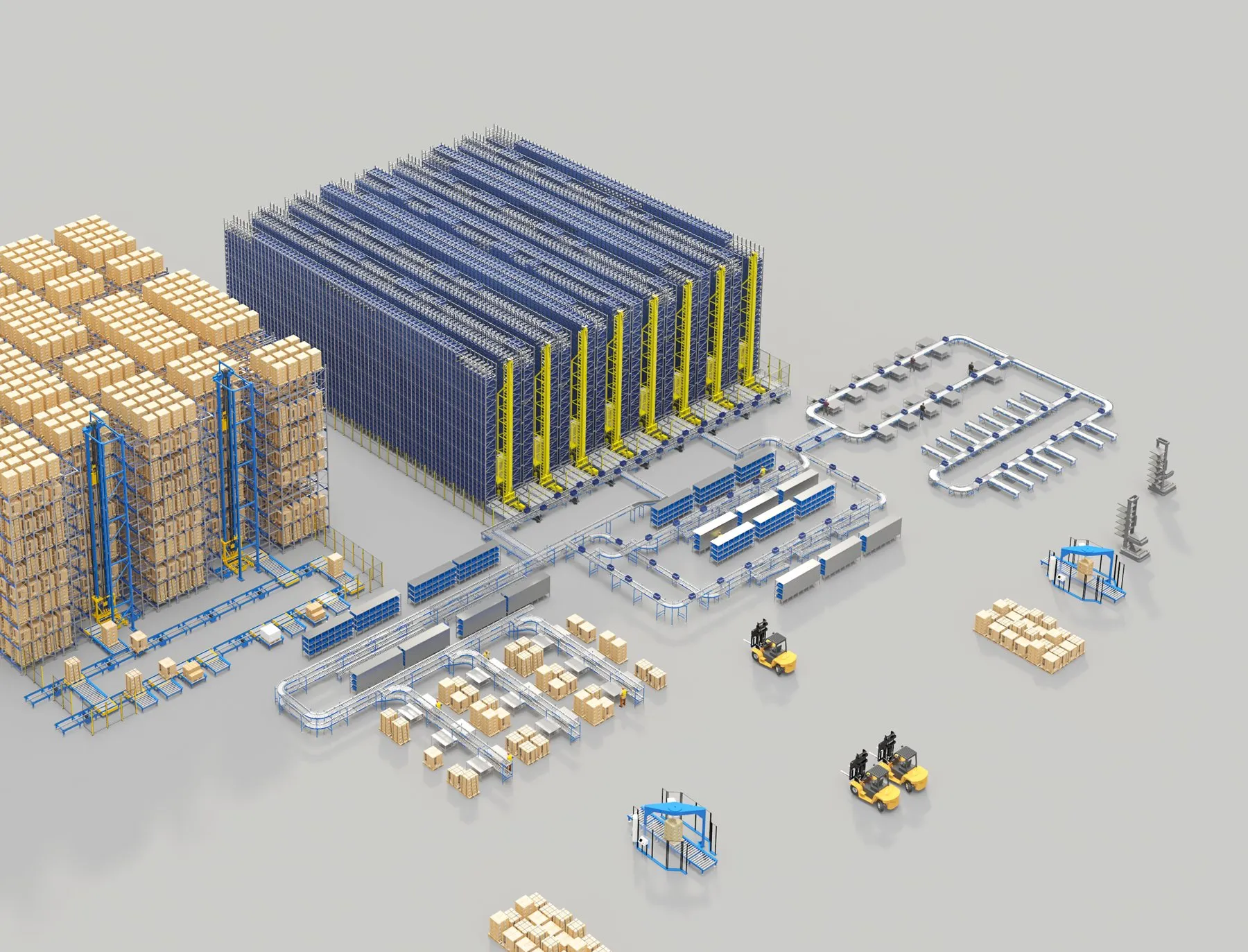
A shuttle is already on its way.
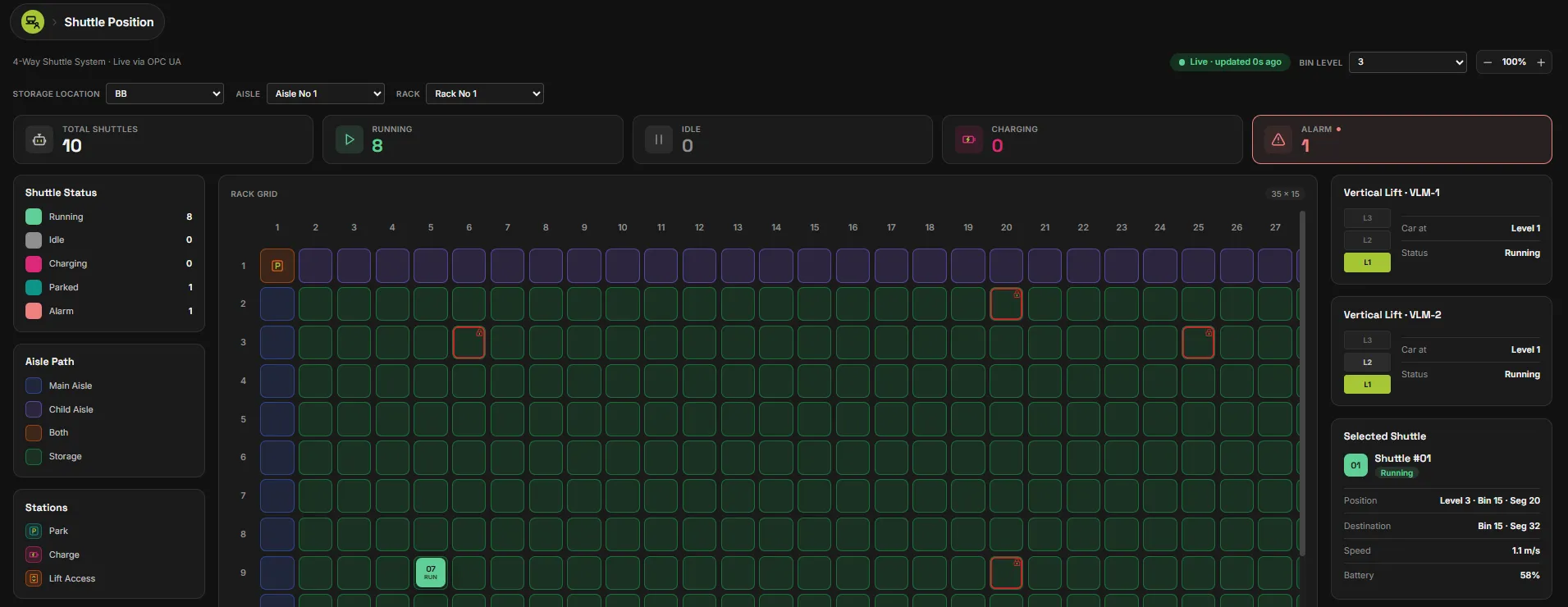
The material flow controller sends a box shuttle for the source tote. Its position, speed and battery are visible live.
- 03 · Person picks
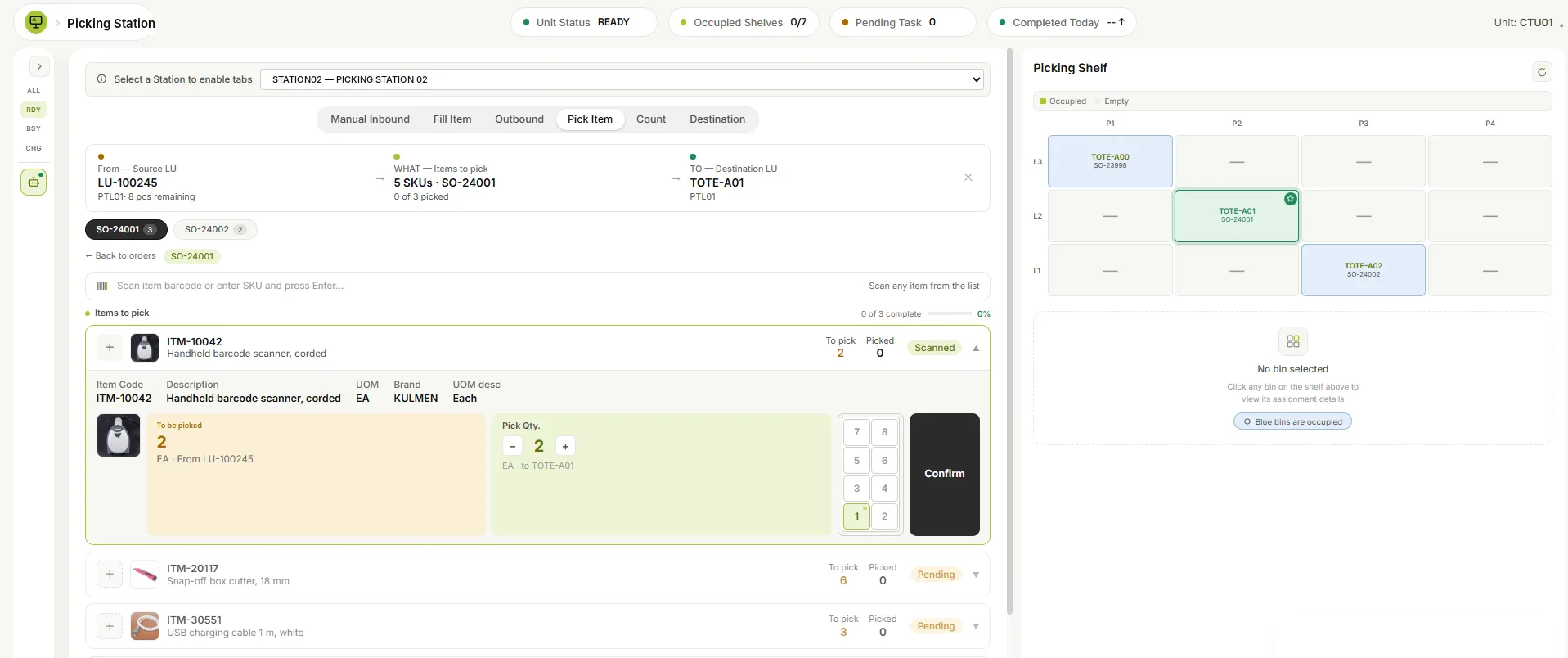
The operator sees exactly what to do.
At the station: from this load, these items, into that tote. Scan, enter the quantity, confirm. The shelf map shows where it goes.
- 04 · Handheld confirms
On the floor, the handheld guides the rest.
Items outside the automated zone are picked with step-by-step guidance and checked by scan on the Android handheld.

- 05 · Shipped
Packed, labelled, loaded, reported.
Cartons are consolidated, packed to customer rules, labelled and loaded by scan. The ERP receives the shipment confirmation.